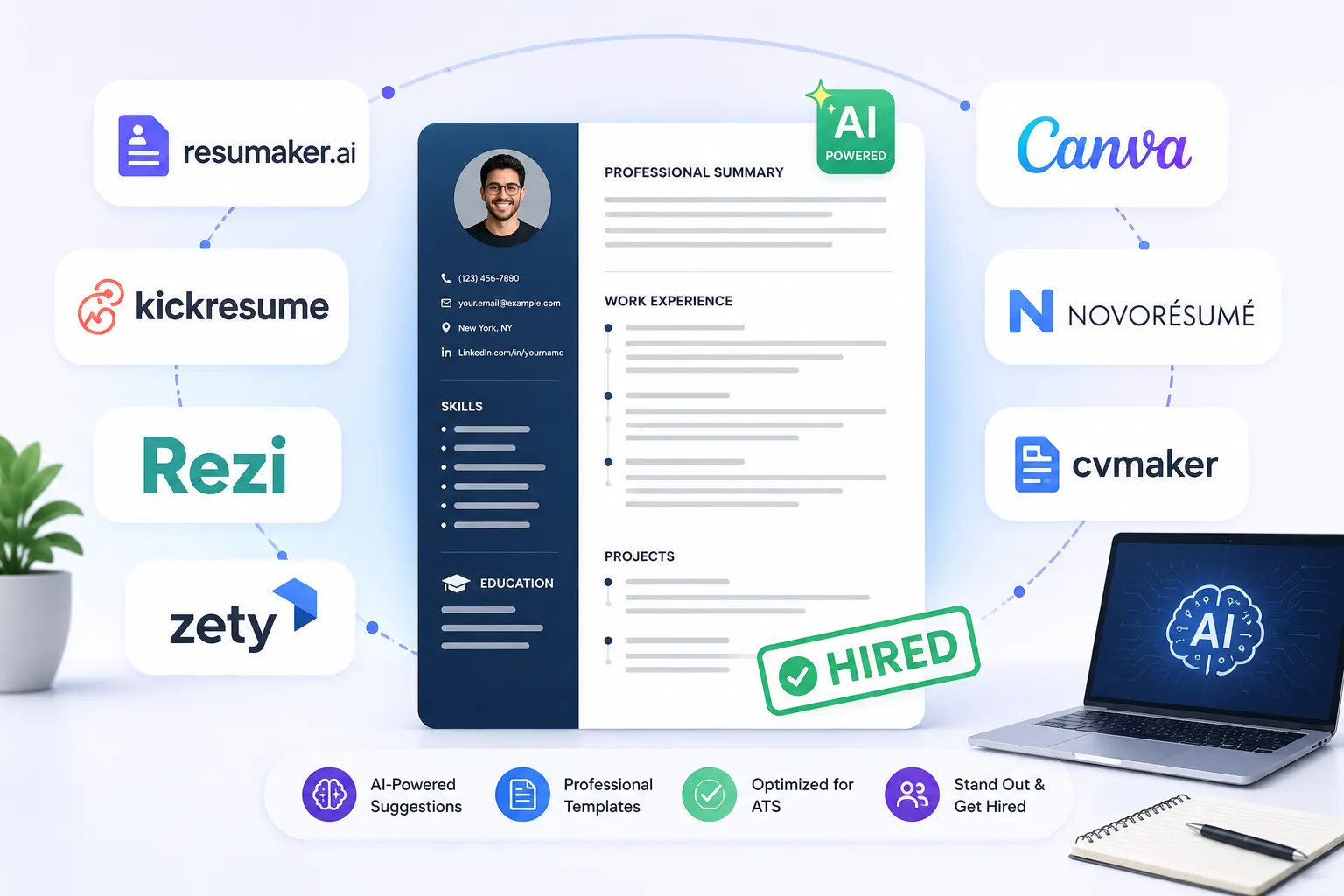
We’ve all been there. You spend 45 minutes painstakingly crafting a great job application on an attractive website, and just as you click “download,” a pop-up appears demanding $14.99.
Finding a genuinely free AI resume builder to help you land a job fast in 2026 feels like walking a tightrope. Hiring managers expect flawless formatting, but you shouldn’t have to empty your wallet just to get the job.
“No B.S.” Guarantee: Over 90% of the tools on the internet that claim to be “free” claiming to be “free” are telling white lies. They let you create your resume for free but charge you to download it. In this list, we’ve specifically included tools that allow a completely free AI resume builder PDF download. They have no hidden fees and no credit card required.
Free to Build vs. Free to Download: The Reality Check
Before you start typing your experience, you need to know whether the software actually allows PDF export. Let’s conduct a rigorous comparison of popular resume templates and platforms so you can distinguish the real free ones from the fake.
| Resume Tool Name | Free PDF Download? | Leaves a Watermark? | ATS Friendly? |
|---|---|---|---|
| Zety / Resume.io | Paywall hit at the end | N/A | Yes |
| Teal HQ | 100% Free Basic PDF | No Watermark | Highly Optimized |
| RxResume | Open Source, Free | No Watermark | Clean Text |
| Canva (Free Tier) | Free PDF Export | On Free Elements | Avoid heavy graphics |
Top 5 Completely Free AI Resume Builder PDF Download (No Paywalls)
If you’re ready to get started, here are the top tools that have been extensively tested to ensure they can pass robotic screeners.
Teal: The best free AI resume maker that bypasses ATS
Teal can certainly be called the best tool on the market right now. It uses a brilliant AI for CV parsing that allows you to import your old resume and match it directly with the job description. It applies strict ATS formatting. ensuring that any machine can easily read every single word before a human ever has to.
RxResume: Free AI resume builder online with no watermark
RxResume is open-source. It’s completely free. It respects your privacy and doesn’t leave any branding on your document at all. If you want a clean look without spending a dime, this might be the best option for you.
Canva: Free AI resume generator for freshers without login (Basic tier)
Although Canva is known for design, its AI Magic Write feature makes it a great starting point. It’s very visual. However, we recommend using their single-column, text-heavy templates to ensure it’s ATS-readable.
Need a matching cover letter? Many platforms work as the best free AI resume writers with cover letter generators. But if you want to write a unique letter that will wow HR, you should read our guide, “How to Write a Perfect Cover Letter Using AI That Sounds 100% Human.”
Category Winners: The Best AI CV Maker for Your Specific Role
Your industry dictates the style of your resume. Here’s how AI can work for you based on your specific skills section and career stage.
Free AI resume builder for career changers
Moving from teaching to marketing? Or from sales to tech? AI tools are very good at identifying transferable skills. They can analyze your past experience and rewrite your career objective to perfectly fit a new industry.
Free AI CV Maker for Tech and IT Jobs
For software developers and IT professionals, formatting is everything. Tools like FlowCV or standard Markdown editors allow you to cleanly highlight specific programming languages and tech stacks. This ensures that your GitHub links and portfolio metrics can be the main attraction.
If you’re building an online presence or starting a side hustle, you shouldn’t miss our comprehensive breakdown of The Ultimate Guide to Free AI Tools and SaaS for Beginners.
The “Cheat Codes”: Advanced AI Resume Hacks
What if you don’t want to use a dedicated website at all? Here are advanced tips using tools you already know.
How to Create an ATS-Friendly Resume Using ChatGPT for Free
You don’t need a fancy interface if you know the prompt. You can use ChatGPT to create highly impactful bullet points filled with strong verbs.
This ChatGPT prompt should be copied and pasted:
“I am applying for the [Job Title]. Here is the job description: [Paste JD]. Here is my current experience: [Paste experience]. Rewrite my experience into 4 bullet points, focusing on measurable achievements. Use strong verbs and ensure the JD keywords are naturally integrated for ATS.”
You should correct your grammar. You should ensure that ChatGPT’s output is impeccably proofread before pasting it into your resume. 7 Best Free AI Grammar Checkers That Are Better Than Grammarly]Should use our recommended tools.
Turn a LinkedIn profile into a resume AI for free in 10 seconds
If your LinkedIn is up-to-date, tools like Teal or the standard Chrome extension allow you to instantly create a formatted PDF with the click of a button. This is a great way to save time.
Top Free Online AI Resume Review Tools
Already have a resume? You can scan it with free scanners like Resume Worded. It will give your resume a grade out of 100, checking for missing keywords, weak verbs, and ATS compatibility.
People Also Ask: Frequently Asked Questions
Which AI resume builder is completely free to download as a PDF?
Tools like the free tiers of Teal HQ, RxResume, and Canva allow you to create and download a high-quality PDF without asking for your credit card at the end.
Can employers and ATS tell that I used AI to write my resume?
An ATS machine doesn’t care if your text was written by AI. It only scans for matching keywords. However, it might be detected if you leave in robotic phrases like “spearheaded” or “dynamic landscape.” You should always manually edit the AI’s output.
How can I create my resume for free using ChatGPT?
You should paste the target job description and your current experience into ChatGPT. You should ask it to rewrite your bullet points, focusing on metrics, action verbs, and specific keywords found in the job description.
Is it safe to upload your personal details to a free AI resume builder?
You should always review a tool’s privacy policy. To stay 100% safe, keep your home address, personal phone number, and references away from the digital builder. You can manually add those details to the final PDF later.
Why is my AI-generated resume being rejected?
The most common reason is poor formatting. If your AI builder uses complex double columns, unnecessary graphics, or unreadable fonts. Then the ATS software cannot parse the text. This leads to an automatic rejection. You should only use a clean, single-column text format.