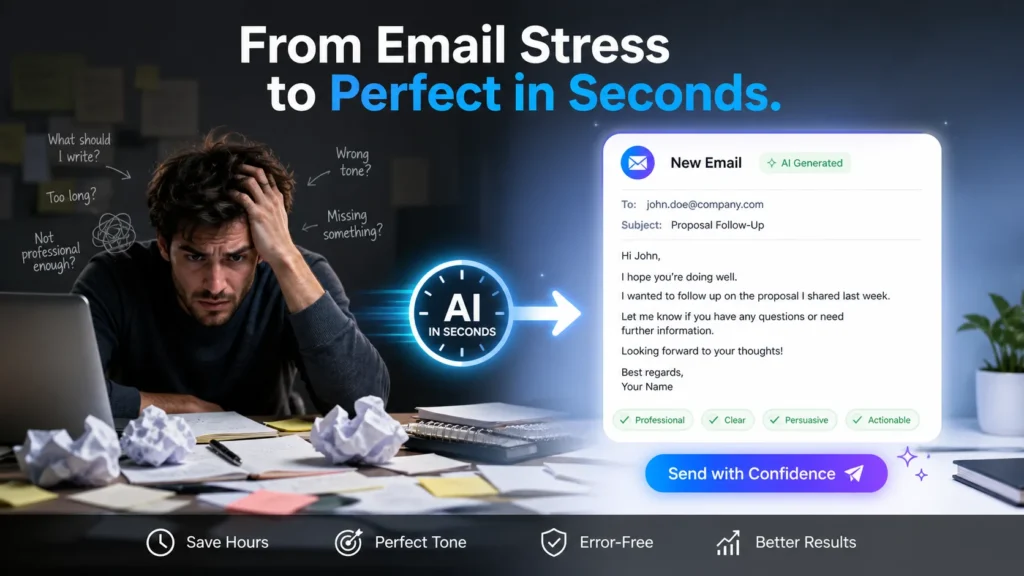
Do you ever read an important email ten times before sending it? Or spend hours staring at a blank screen because you can’t find the right words? In the corporate world, the average employee spends two to three hours of their day just drafting emails and fine-tuning their tone.
But in 2026, you don’t have to fall victim to this “email anxiety.” Your hours of work can be done in just 2 seconds if you learn to write professional emails using ChatGPT for free.
TL;DR (What you’ll find in this post)
- A list of the best AI email assistant tools (including ones that don’t require a login).
- 100% working ‘copy-paste’ ChatGPT prompts.
- Ready-made email templates for everyday workplace scenarios (like job applications and sick leave).
- Secret tricks to make your AI-written emails sound 100% human.
Best Free AI Email Writer Tools You Can Use Today
When it comes to business communication, not every tool is right for you. You need tools that have built-in grammar checkers and can accurately present your ideas.
ChatGPT and Claude: For a perfect professional tone
If you’re looking for the best free AI email writer for business communication, ChatGPT and Claude AI come out on top. ChatGPT can quickly understand your instructions, while Claude AI excels at setting an incredibly natural and professional tone.
Confused about which one to choose? Read our detailed guide: ChatGPT vs Claude: Best Free AI Assistant for Email Writing?
Free AI Email Generator Without Login or Sign Up
Sometimes we need to reply to an email immediately and don’t want the hassle of creating an account. In such cases, tools like EditPad or Toolbaz are excellent. They work with a single click and reduce your bounce rate to zero. If you’re looking for a free AI assistant that delivers instant results for writing professional emails in English, you should bookmark these websites.
The “Master Formula”: Best Prompts for Writing Professional Emails with AI
AI is not magic. It only works based on the instructions (prompts) you provide. Most people just tell the AI, “Write an email for a vacation,” and then the AI spits out an email with a very robotic voice.
Below is our “Master Formula” with 20 years of experience. This is the most unparalleled method on the list of best prompts for writing professional emails with AI.
Copy-Paste This Master Prompt:
“Act as a [Your Job Title]. Write a [Tone: Polite/Firm/Urgent] email to my [Recipient: Boss/Client/HR] regarding [Main Topic].
include these key points:
- [Point 1]
- [Point 2] Keep the sentences short, use simple B1 level English, and do not use robotic words like ‘Delve’ or ‘Furthermore’.”
If you want to know how to use AI for free to write emails at work, you should save this one prompt. It will work in almost every situation.
Everyday Workplace Emails: Before & After AI (With Examples)
Etiquette matters a lot for corporate emails. Let’s see how a free AI tool that professionally rewrites emails can turn your rough draft into a masterpiece.
1. Write an Email for Job Application Using AI Free
Before (your informal draft): “Hi, I want the SEO job. My resume is attached. Please check it out and get back to me.”
After (the AI’s professional draft): “Dear Hiring Manager, I I am writing to express my keen interest in the SEO Specialist position at [Company Name]. I have attached my resume, which details my 5 years of experience in increasing organic traffic. I look forward to discussing how my skills align with your team’s goals.”
2. How to Write a Sick Leave Email to Your Boss
Writing a sick leave email to your boss is always stressful. AI can handle this in a precise and concise way without any fuss.
3. How to Reply to an Angry Email Professionally Using AI
This is the biggest challenge in the office. When a client sends an angry email, AI helps you provide a calm and solution-oriented response. If you want to learn how to professionally respond to an angry email using AI, you should give the AI this prompt: “Rewrite my angry response into a polite, solution-oriented professional email.”
B2B & Networking: How to Write a Cold Outreach Email Using AI Free
If you’re in sales or looking for new customers, your first email is your first impression.
How to write a cold outreach email using free AI. The golden rule is that the email should be concise and its subject lines very compelling. Ask AI: “Give me 5 compelling subject lines with an 80% open rate for a cold email about [your product].”
Warning: How to Make AI Emails Sound Human & Protect Data
AI makes your work easier, but you shouldn’t blindly trust these proofreading tools.
- Warning 1 (Data Privacy): You should never enter your company’s confidential data, a client’s real name, or password into any free AI tool. Always use dummy names (e.g., “Client X”).
- Warning 2 (Make it human): AI often uses phrases like “I hope this email finds you well” or “In conclusion.” You should manually remove these robotic words before sending the email and include your usual conversational tone.
People Also Ask
Can my boss or client find out that I’m using AI to write emails?
If you copy-paste the generated text without reading it, AI often uses specific, heavy words. Therefore, you should always edit it a bit by hand before sending.
What is the best free AI tool for writing emails daily?
For everyday tasks, ChatGPT and Google Gemini are the fastest and best. For a more natural tone, you can try Claude AI.
Is it safe to put company data into free AI email writers?
Free AI tools may use your data to train their models. You should never enter confidential information when giving prompts.
How do I make ChatGPT more professional yet human-like?
Always write in your prompt: “Write in a professional yet conversational tone using B1-level English.” This makes the email sound natural.
How can I use AI to quickly respond to a long email?
You should copy that long email. Paste it into the AI and write: “Summarize it and draft a polite reply saying [your message].” Your work will be done in seconds.